

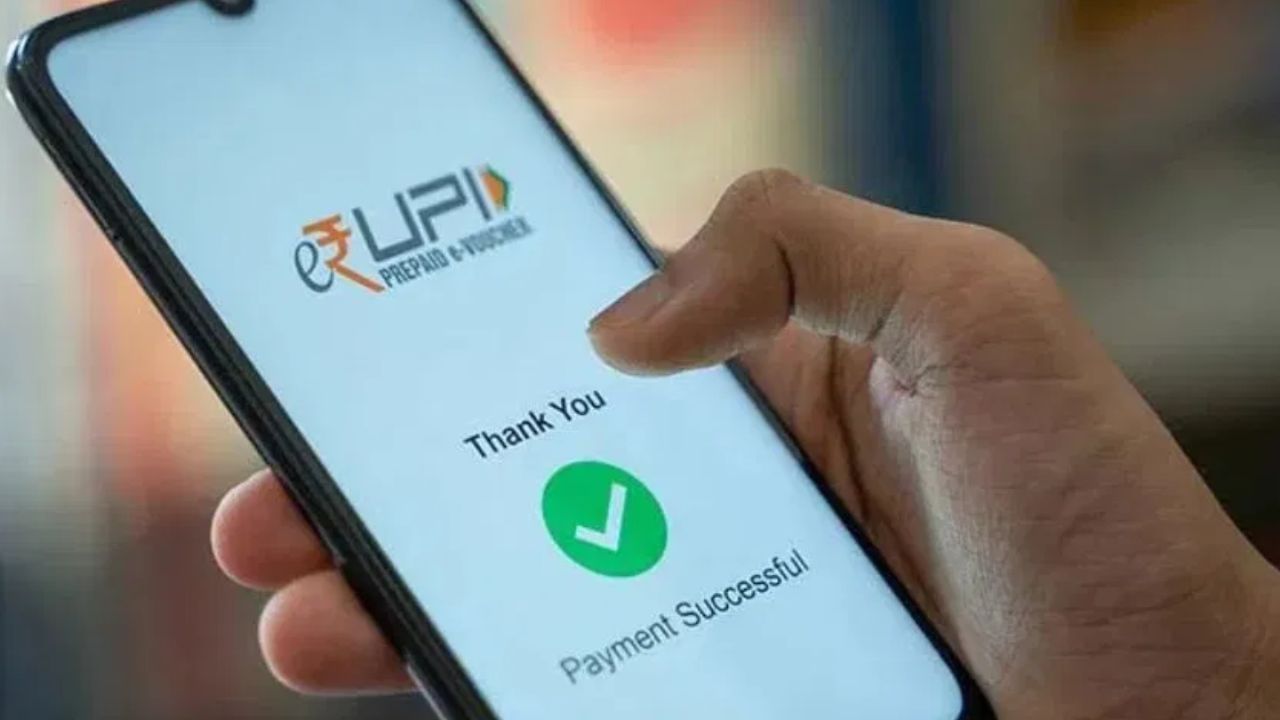
UPI payments have revolutionized financial transactions, but mistakes happen. This guide provides clear steps for recovering funds sent to the wrong recipient.
Upon realizing a mistaken transaction, immediately inspect the details within your UPI app (Google Pay, PhonePe, Paytm, BHIM UPI). Examine your transaction history to ascertain where the funds were sent, and take note of the transaction ID/UTR number. Proceed to contact the customer support of your UPI app. Utilize the help or customer support function to report the erroneous transaction, providing the transaction ID. The app’s support staff will then attempt to liaise with the recipient’s bank to initiate the recovery process.
If the app does not facilitate a solution, contact your bank branch directly, or their customer care. Supply the transaction ID and the date of the transaction. Your bank will then furnish a request to the recipient’s bank, to have the erroneous payment reversed.
Should neither the app nor the bank prove effective, you have the option to submit a complaint on the NPCI (National Payments Corporation of India) website. For transactions of significant value, consider reporting the incident to the nearest police cybercrime cell. Furnish them with payment screenshots, the transaction ID, and relevant app details. Law enforcement, in collaboration with your bank, can then begin to recover the misplaced funds.
Preventative measures are key. Always double-check the account number and mobile number before transmitting funds. When scanning QR codes, verify the recipient’s name. Should a mistake occur, act swiftly. Delays can complicate the recovery process.