

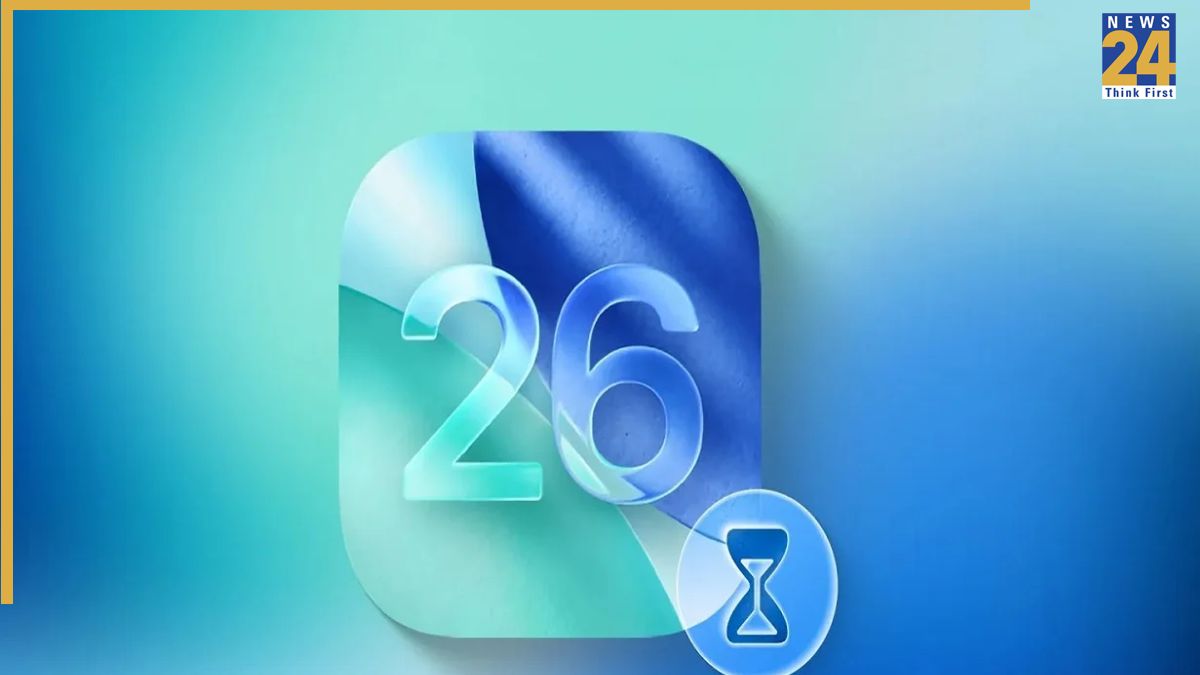
Apple’s highly anticipated iOS 26 update is set to launch on September 15, shortly after the release of the iPhone 17 series. The update will be available for iPhones, iPads, Macs, and other compatible devices. iOS 26 introduces significant changes to the user interface, including the Liquid Glass UI and enhanced app features.
Before installing iOS 26, consider the following points. Compatibility is important, as the update supports iPhone 11 models and later. Apple Intelligence features will only be available on iPhone 15 Pro and later models. Back up your data. Before installing the update, ensure that you have backed up your data to iCloud or Google Cloud to safeguard against data loss. Familiarize yourself with the new Liquid Glass UI. This new UI offers redesigned app icons and a revamped Control Center. Be aware of the key changes that will make your experience better. iOS 26 brings new features and upgrades to the Lock Screen interface, first-party apps, and introduces new Apple Intelligence features. iOS 26 is bringing with it many new and important changes, which will make the use of iPhone even more intuitive and attractive. Before installing the update, make sure all the steps are completed so your device will be ready.