

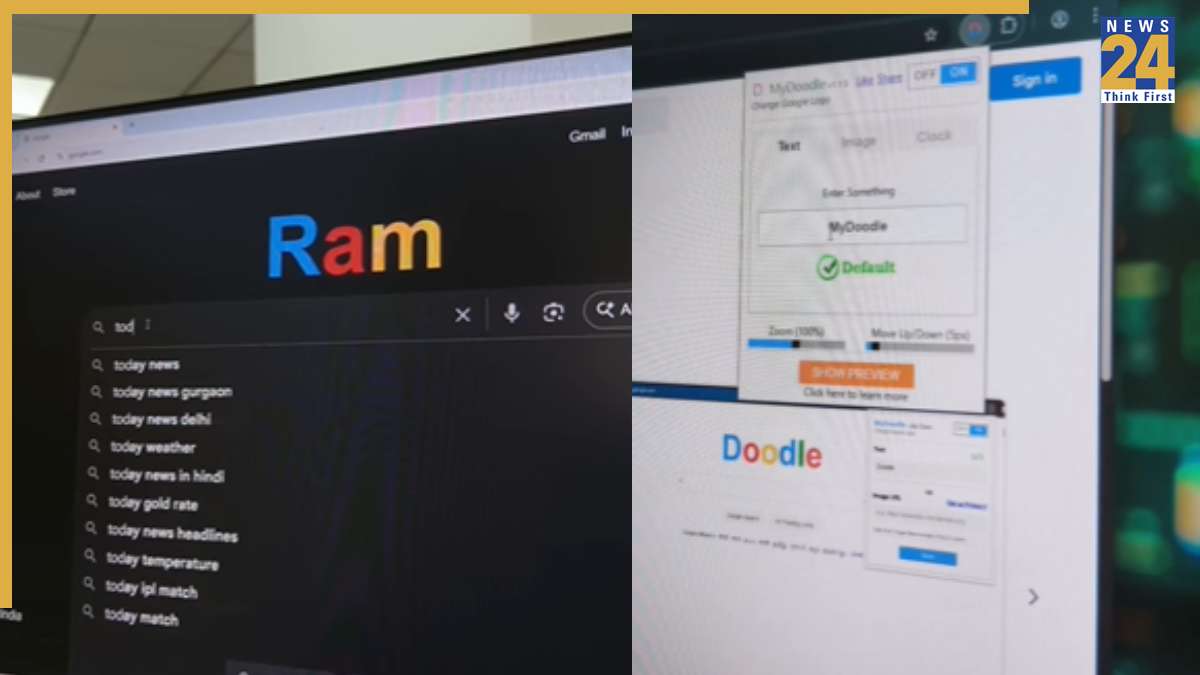
The default Google logo is a staple of the online experience. But what if you could swap it out with something personal? This guide shows you how to change it to display text or an image of your choice. With this easy modification, you can personalize your Chrome browser.
To start, search for “My Doodle” in the Google search bar. This will direct you to an extension that you can add to your browser. After installing it, open the extension settings, input your preferred text, and customize the logo. Once you’ve made your adjustments, the Google logo will transform into your chosen text, with more customization options to refine its appearance. Remember, this feature is exclusive to Google Chrome. The extension won’t work on other browsers.
To fully enhance your Google Chrome experience, apply Google themes, which allow you to customize the look of your Chrome profile. Users can choose from various color schemes and settings to optimize the browser to their preferences.