

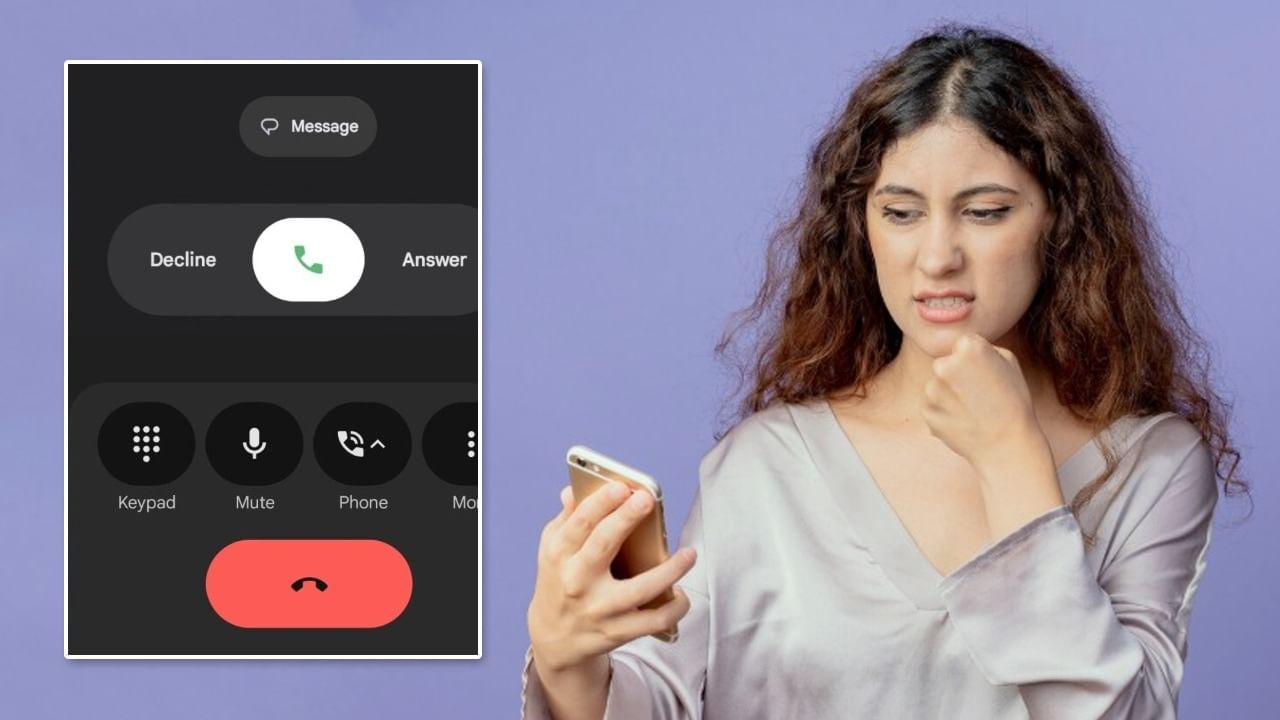
A recent update to the Google Phone app has changed the call screen design for many Android users. While some enjoy the new look, others are looking for a way to restore the previous design. If you are among those who prefer the old dialer, here’s how to get it back.
### The New Call Screen Update
Google recently introduced the Material 3 Expressive Redesign with Android 16. This update changed the dialer’s appearance. The change was implemented through a server-side update, so users didn’t have to download a large file. This update was pushed to many users without prior notice, causing some frustration.
### Steps to Revert to the Old Design
If you don’t like the new call screen design, you can easily get the old interface back. Go to your phone’s Settings. Select the Apps or See all apps option. Then, choose the Phone/Dialer app.
Tap the three dots in the top right corner, and select Uninstall updates. This will revert the Google Phone app to its factory version, and the old call screen will reappear.
### Important Reminders
This process might delete your call history or custom settings, so make sure to back up your data first. To prevent the new design from reapplying, disable Auto-Update in the Google Play Store. Remember to update your apps from the Google Play Store regularly.