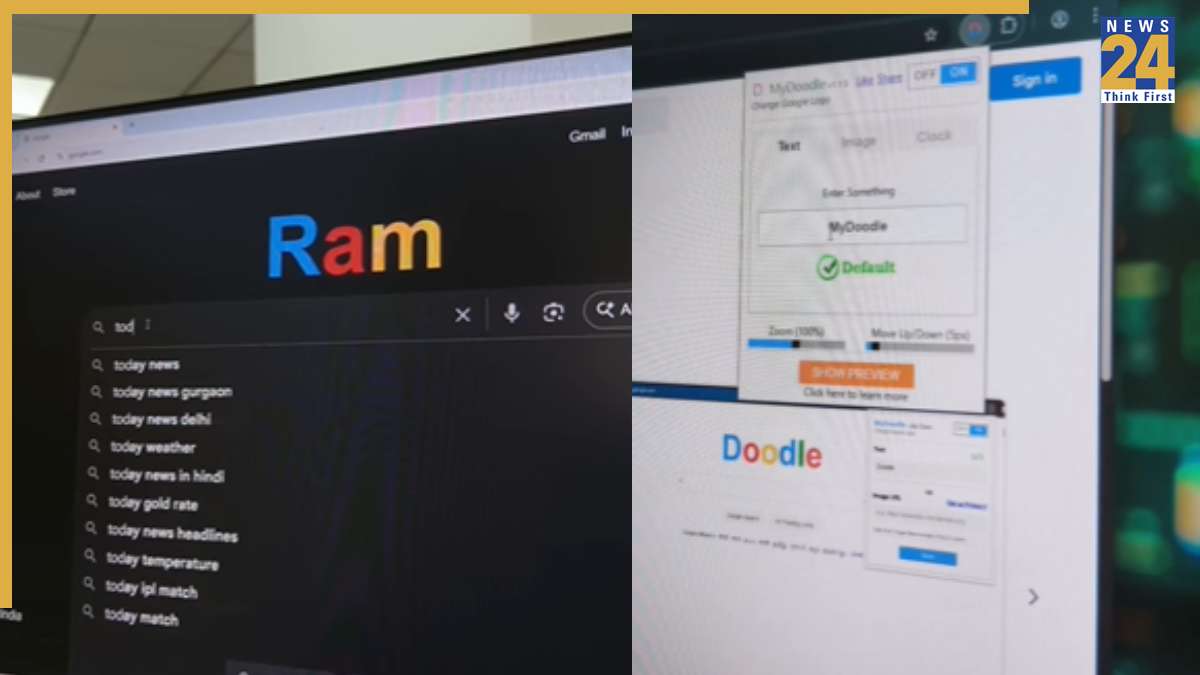

Discover a simple trick to modify the Google logo and make your browsing experience more personalized. The process allows users to replace the standard Google logo with custom text or a preferred design. To start, search “My Doodle” in the Google search bar. This will direct you to a browser extension. Upon installation, access the extension settings, add your desired text, and customize the logo to your liking. Once changes are made, the Google logo will be replaced with the entered text. Keep in mind that this only works on Google Chrome. Additionally, users can enhance their Chrome profiles with Google themes, offering a variety of color options and settings. This enables further personalization and optimization of their Chrome experience.