

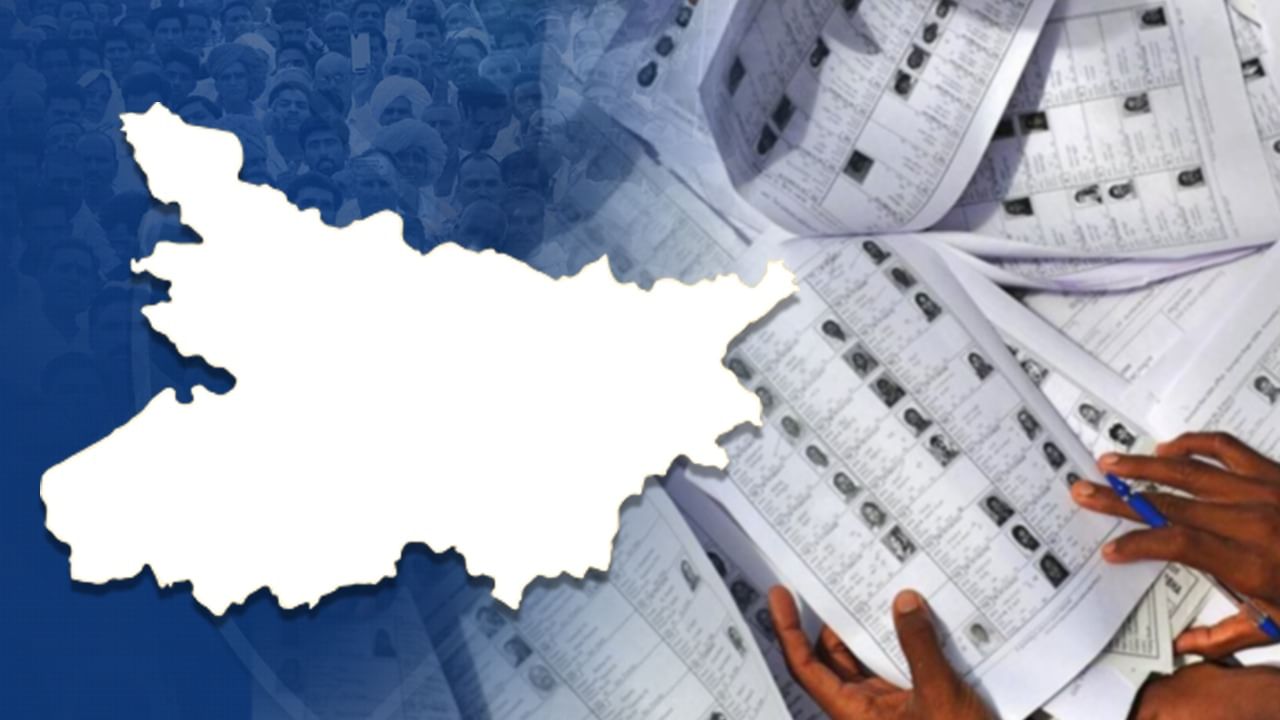
The Election Commission of India (ECI) has released the draft voter list for Bihar following the Special Intensive Revision (SIR) campaign. The revision may result in approximately 6.5 million names being removed from the list. Citizens can now easily confirm their voter status online, using their mobile, or with the Voter Helpline app.
From August 1st to September 1st, voters and political entities have the opportunity to request additions to the list or object to incorrect entries.
How to Check Your Name:
1. Using EPIC Number
* Go to: https://ceoelection.bihar.gov.in/
* Select Bihar
* Enter EPIC number and CAPTCHA
* Click Submit
2. Using Personal Details (If EPIC Unavailable)
* Go to: https://electoralsearch.eci.gov.in
* Click “Search by Details.”
* Enter:
* Name
* Parent/Spouse Name
* DOB/Age
* Gender
* District and Constituency
* Enter CAPTCHA, click Search
3. Using Mobile Number
* Go to: https://electoralsearch.eci.gov.in
* Click “Search by Mobile.”
* Enter mobile, verify with OTP, and check status.
4. Using the Voter Helpline App
Get the Voter Helpline App from:
* Google Play Store
* Apple App Store
* ECI website
How to Use:
* Log in with EPIC or mobile number
* Or manually enter State, District, and Constituency
* The app will show your status
Check your name using the website, mobile search, or the Voter Helpline app.
Make corrections or additions before September 1st.
Special provisions exist for new voters born after July 1, 1987.